
Turn a PDF into a quiz — even a scanned one
If you can select the text in your PDF, QuizBao imports it like a Word file. If it's a scan, a photo or a screenshot, AI Import reads the pages for you and returns a clean bank with the answers matched.

 Coming soon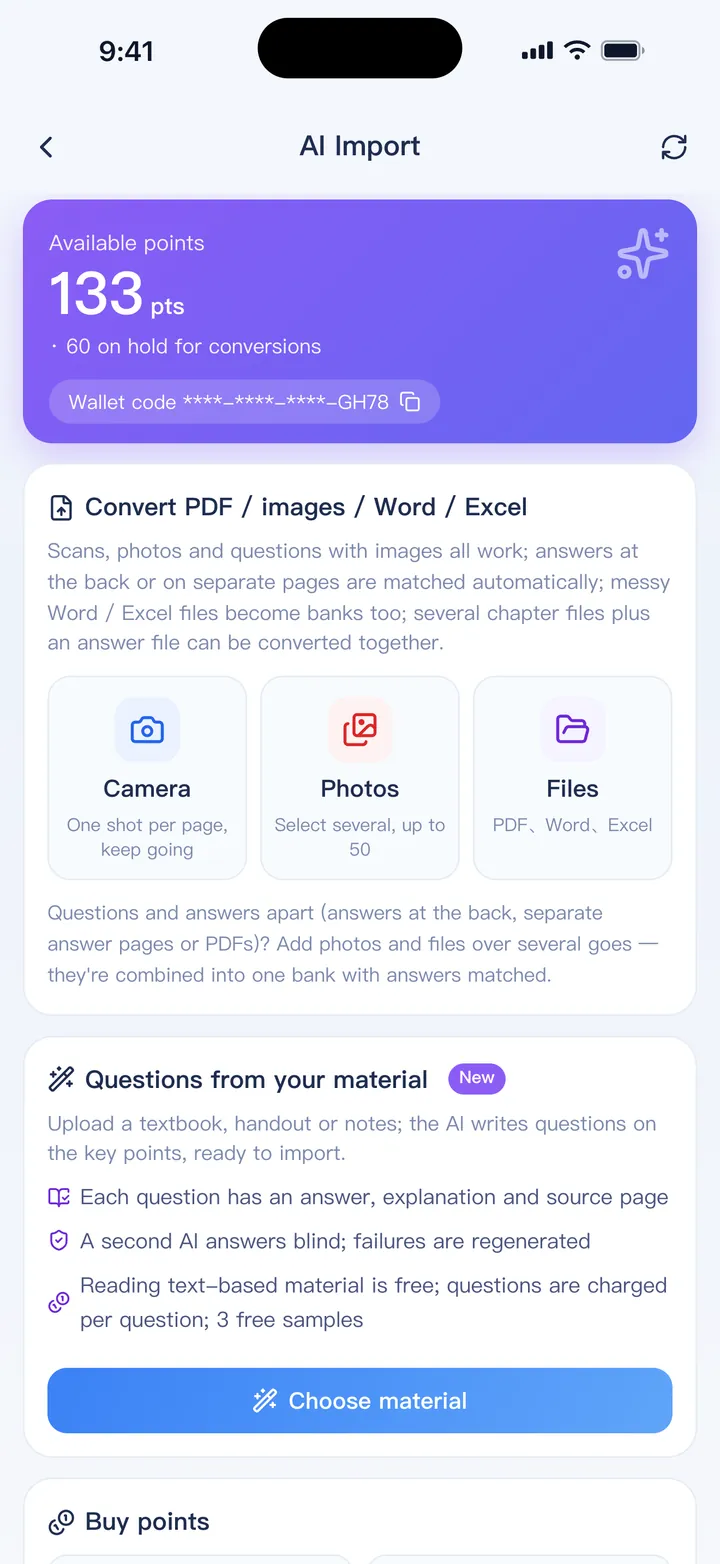
Two ways in, depending on your PDF
Check what kind of PDF it is
Try to select a sentence. If you can, the PDF has a text layer. If you can't, it's a scan.
Text PDF: import directly
Import → Word / PDF bank. Columns, headers and footers are handled and the text is read in order.
Scan or photo: use AI Import
Pick the PDF or photos, or take pictures of the pages. You see a quote in points before anything starts.
Review and import
Check the result in the usual preview and import it into a new or existing bank.
What AI Import can handle
- Scanned PDFs, photos of a book or exam paper, and screenshots
- Answers printed at the back of the book, matched to the right questions
- Images and diagrams cropped and attached to their questions
- Math formulas
- Messy Word or Excel files the regular import can't make sense of
- Pages with no questions, or that fail, refunded automatically
Direct PDF import is part of the full version. AI Import is paid with points bought in the app, and also works on the free version.
FAQ
How much does AI Import cost?
It's charged in points per page, and you always see the quote before starting. Points are bought in the app and never expire.
Are pictures inside a text PDF imported?
No — direct PDF import reads text only. Use AI Import if you need the pictures.
What happens to the files I upload?
They are processed by our servers and AI providers, deleted after 7 days, and the results after 30 days. See the privacy policy.
Bring your questions. Start practicing today.
Free to download for iPhone, iPad and Android.
Coming soon